
This is the beginner’s level business plan, one that is suited for those smaller companies that do not wish to spend too much each month yet still need the blue badge, which provides basic protection. It may be said, however, that the lower tier will provide you with access to Meta’s support, although their help will not be as extensive. In any case, if you want your brand to be recognized on social media platforms such as Facebook and Instagram through effective social media marketing strategies, then the Standard plan offers all of that.
Business Plus — $44.99/month
The Business Plus plan costs three times as much as the Standard one; however, it provides considerably more benefits than its competitor. Apart from all those offered by the Standard tier, the Plus plan allows you to use advanced tools such as linking Reels. Moreover, you will benefit from increased customer support as you can get 24/7 chat and email support services. Compared to the previous level, the customer service will provide quicker responses.
The Business Plus package fits growing businesses that currently run content campaigns via Instagram Reels or Facebook using professional video marketing strategies. This package gives access to additional functionality to help you drive traffic via video content to the official site or product page of your brand. The Business Plus tier is worth paying $44.99 monthly, but it gets more expensive after your first year of using the package. Thus, the Plus tier would be a good choice if you are not spending any money on advertising yet.
Business Premium — $149.99/month
At $149.99 monthly, Business Premium is a high price to pay; however, it provides an extensive boost in features and services. In addition to having all the benefits that come with the Plus plan, Business Premium users also get access to additional messaging features and customer services, like being able to ask for a callback from a support representative and gaining access to Meta’s own Verified Business Support Center, where business owners will be able to engage in chat, use self-help, and get relevant information.
The fact that customers are able to ask for a callback from a Meta support representative should not be underestimated in any way. Being in touch with real people has always been a headache for businesses on Meta before. By becoming a premium user, companies can cut through this red tape and gain immediate priority access to a support agent, thus saving much time and trouble. This plan is optimal for medium-sized businesses, using Meta for running advertising campaigns such as Google Ads management and paid social campaigns
Business Max — $349.99/month
Business Max is the most complete and most costly of all tiers offered by Meta Verified, costing $349.99 per month. This plan is suitable for companies and organizations that want to have the best possible security, support, access, and features provided by the platform.
On the Business Max plan, you get everything included in the Premium plan as well as active case monitoring. The Meta team monitors your account actively and intervenes against any impersonations or account issues without you reporting anything to the company first. If you have a brand that reaches out to many people, runs large-scale ads supported by advanced digital marketing strategies, or operates in an industry where security and integrity are paramount, the Business Max plan suits you.
What is Meta Verified? (A quick overview)
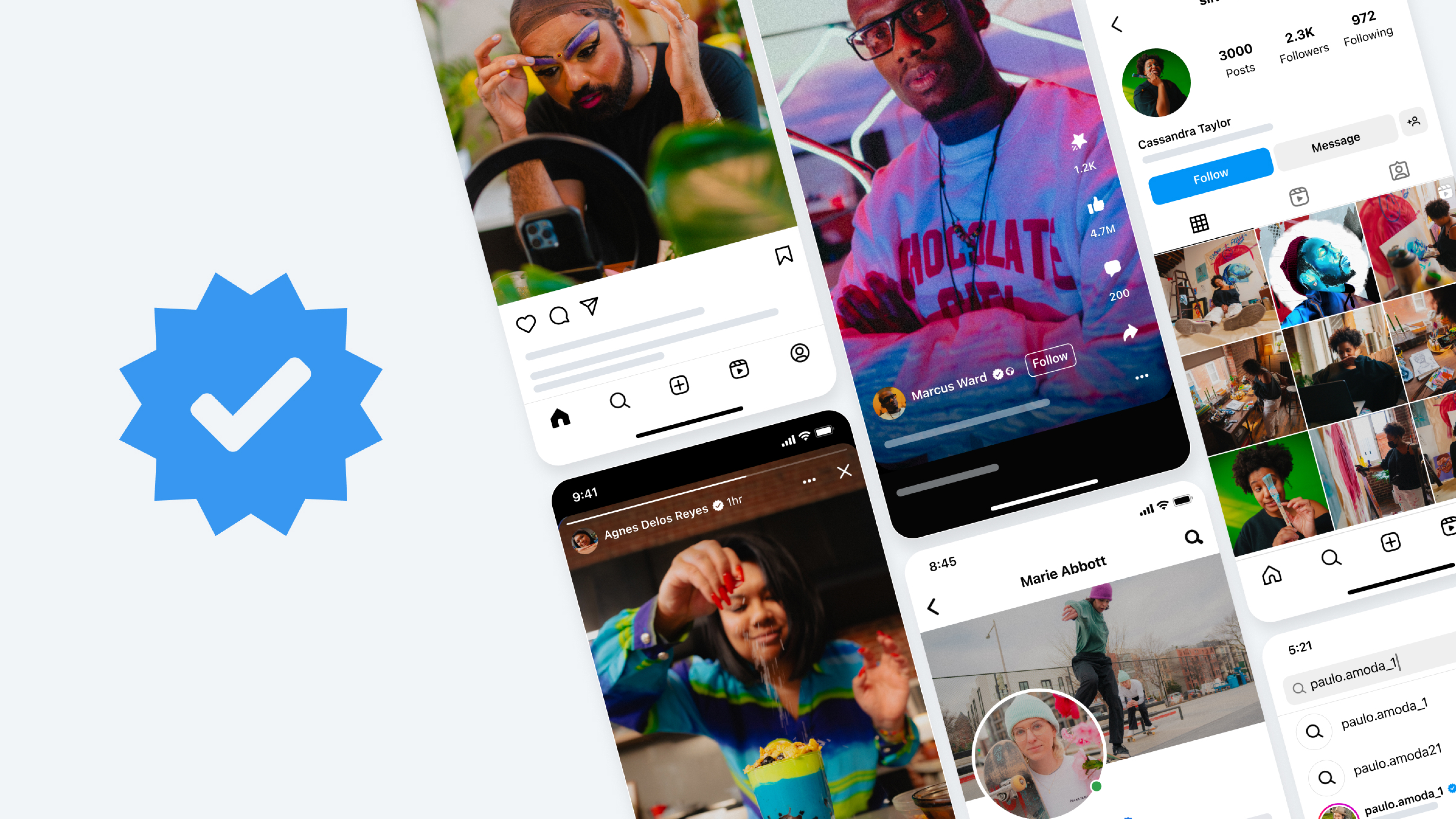
Meta Verified is a premium monthly subscription that gives individual creators and organizations access to a verified blue badge for their accounts on social media platforms such as Facebook, Instagram, and WhatsApp. Previously a privilege enjoyed only by prominent people, journalists, and large companies who could apply and get approval from Meta at no cost, the verified blue badge can now be acquired by anyone who pays the monthly subscription fees.
To use the Meta Verified subscription, you need to provide an official identification document showing the same name used on the account. After successful authentication, usually after 48 hours, the verified blue badge will appear beside the name of your account on both Facebook and Instagram, making it clear to all viewers that your account is verified by Meta.
However, the Meta Verified subscription service offers much more than just a blue badge to users. Depending on your choice, the subscription comes with a combination of services such as active impersonation protection, customer support prioritization, increased search visibility, especially when combined with search engine optimization (SEO) services, exclusive content tools, and many others.
The Meta Verified feature can currently be accessed via Facebook and Instagram platforms, and there is a dedicated WhatsApp Business plan that is now rolling out in select areas. However, the subscription price may vary per country, and there are specific eligibility criteria that need to be met to subscribe, such as being 18 years or older and using two-factor authentication.
Does each platform require a separate subscription?

Yes – and this is a crucial point to keep in mind before signing up. There are four levels of service, ranging from $14.99 to $349.99 monthly. It’s essential to know that these rates cover only one Facebook page, Instagram account, or WhatsApp number – a new subscription will be required for each account.
In other words, if your company needs to be certified on both Facebook and Instagram, you’ll be spending twice as much money every month. A Basic subscription for two networks will run you $29.98 monthly. In the case of the Max level, the rate will reach $699.98 monthly.
What do you get with Meta Verified?

Knowing the cost of Meta Verified is just one part of the equation. What’s even more critical to understand is what you get in return for your payment each month. Here are all the essential benefits you’ll get from Meta Verified membership packages.
- Blue verified badge
A blue tick mark will appear next to your name on your profile page, search pages, comments, etc., indicating that your identity has been verified by Meta.
- Impersonation protection
Meta constantly keeps track of such accounts, trying to pretend that they are actually you. Accounts that are impersonation issues are resolved faster, especially when your overall digital presence is strong with off-page SEO strategies.
- Priority customer support
Verifying your account allows you to contact Meta representatives via chat and email. Such a possibility is much better compared to regular users who have difficulties contacting anyone from Meta’s support team.
- Enhanced search visibility
To further improve your rankings beyond social platforms, businesses often invest in on-page SEO services and technical SEO optimization.
- Exclusive content features
Upgrades provide access to advanced functions such as attaching links to Reels and leveraging content marketing strategies to maximize engagement, photo links, personalized stickers for Stories, and the use of the ‘Original Content’ tag that credits your work whenever someone else re-posts it.
- Account security alerts
Meta Verified allows you to get notified of any attempts to log into your account, giving you one extra level of security awareness, aside from the two-factor authentication provided by default.
An important benefit, which is often mentioned among those companies and individuals who value it most, is access to direct support. Meta Verified is not just a badge that proves your identity. You will get additional account protection in the form of active monitoring, as well as access to direct support services. This is a very important benefit, especially considering how difficult it is to reach a person in case of problems with the account.
Regarding credibility, there are numbers that prove how much this badge really matters. According to various studies, customers are almost twice as likely to trust a company that has a Meta Verified badge.
Meta Verified cost — web vs. mobile app: which is cheaper?
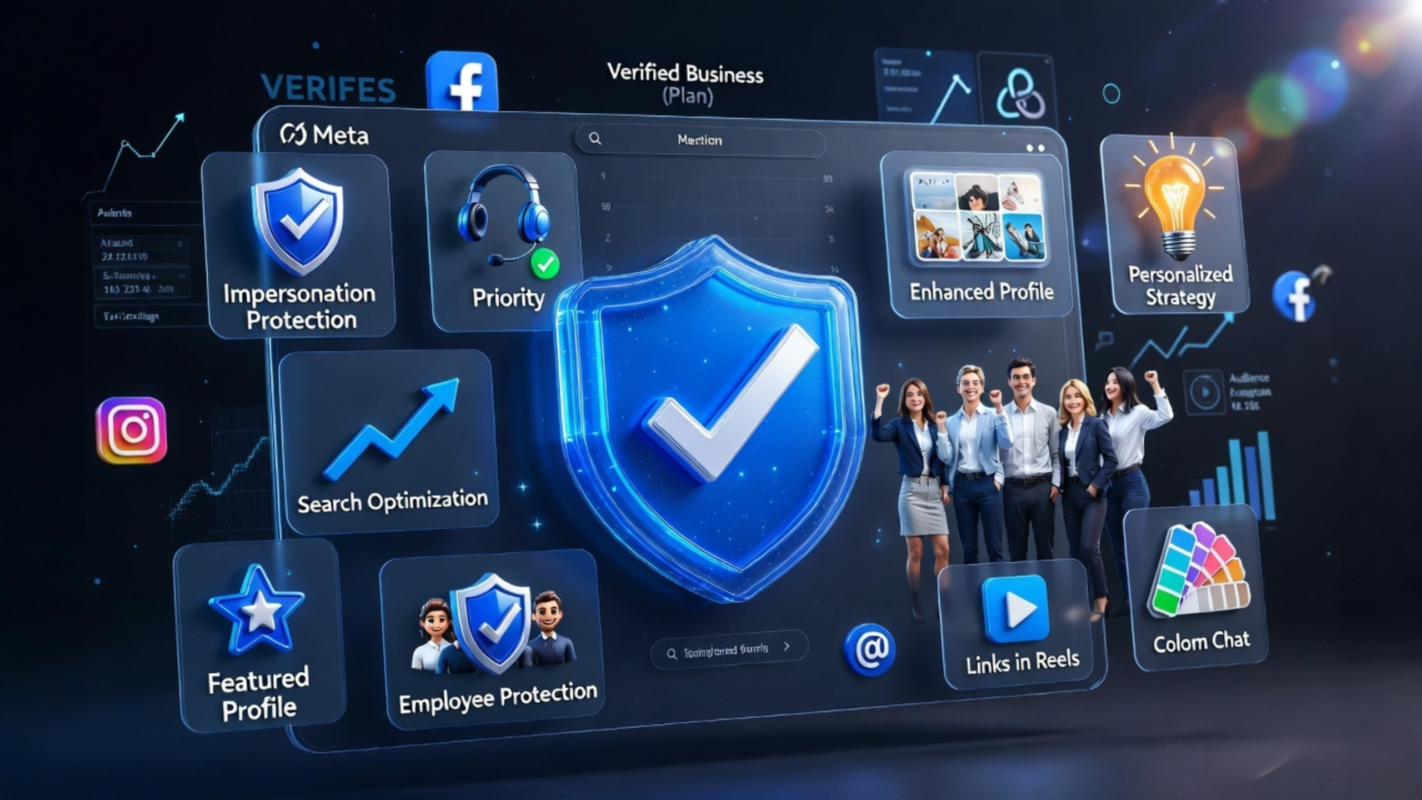
One of the most useful tips on saving money with Meta Verified has to do with how much you pay depending on whether you subscribe using your web browser or whether you subscribe using your Facebook or Instagram mobile apps. The difference is quite significant, and you will be able to save a lot of money each month.
Indeed, in the case of all subscription plans for Meta Verified, you are likely to pay less money if you subscribe using your computer web browser as opposed to subscribing through your Facebook or Instagram mobile apps. That’s because, as in the case of the former, Meta avoids paying mobile app store commissions to Apple and Google.
The numbers are straightforward yet quite telling. In the case of the Standard tier, opting for registration through the website rather than the app will help you save $3 a month, which translates into $36 per year, per platform. This means that should you need to register on both Facebook and Instagram, you can end up saving $72 per year, simply because you opt to sign up on meta.com/meta-verified rather than use the app. If you happen to be operating on one of the more expensive tiers, signing up through the web is a simple no-brainer.
One drawback, however, needs mentioning. While you have the option to sign up via both the mobile app and website when registering for the Standard plan, things are somewhat different for Plus, Premium, and Max tiers, where registration can only take place via the mobile app. This means you may be forced to sign up using the mobile app when opting for any individual creator tier higher than Standard.


I appreciate the detailed overview of your services. It’s helpful to see how different marketing strategies, from SEO to social media, can be tailored to specific goals and industries.
Thank you for your thoughtful feedback! I’m glad the overview helped highlight how different strategies can be adapted to specific goals and industries. That flexibility is key to getting the best results. I appreciate you taking the time to share your thoughts!
Hi all, I’m new here and wanted to introduce myself.
I found this forum a short while back while looking into a few topics, and it looks like a good resource.
I have browsed several posts to learn the layout, and felt it was a smart move to say hello.
Looking forward to participating here and taking part.
Welcome! It’s great to have you here. Glad you found your way to the forum and are already exploring the posts. This is a great place to learn, share, and connect with others. Looking forward to seeing your contributions—feel free to jump into any discussions anytime!
Thanks for sharing this useful information.
Thank you for your kind words! I’m glad you found the information useful. I appreciate you taking the time to share your feedback.
This is exactly what I was looking for.
Glad to hear that—really happy it helped! Thanks for taking the time to share your feedback, I truly appreciate it.